You can now “react” to forum posts in ways other than the 

The reactions are shown like this:

You can now “react” to forum posts in ways other than the
The reactions are shown like this:
Thanks Chris, although I don’t appear to be able to get the alternative emojis to pop up on my mobile (haven’t tried it on my laptop). Sorry if I’m missing something obvious 
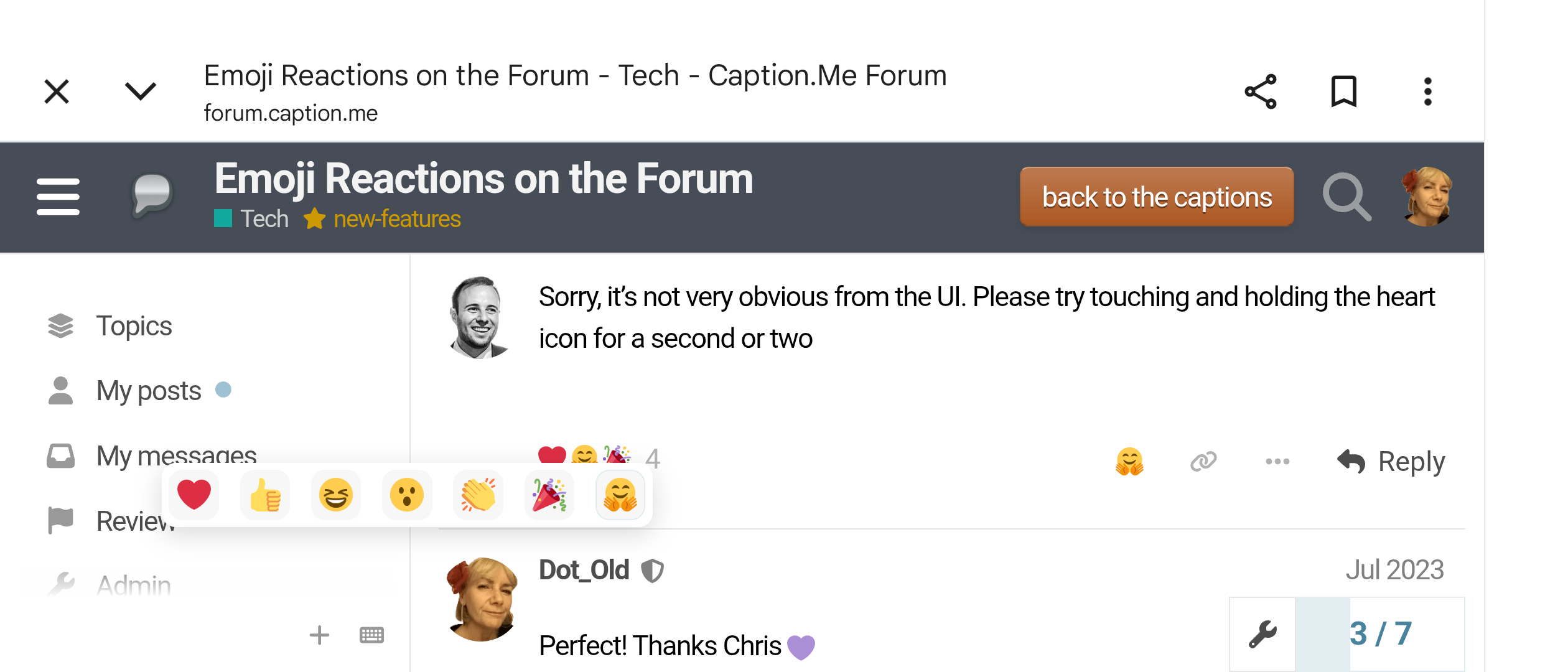
Sorry, it’s not very obvious from the UI. Please try touching and holding the heart icon for a second or two
Perfect! Thanks Chris 
Love it that we have more reactions to use Chris. I think it will bring extra lols.
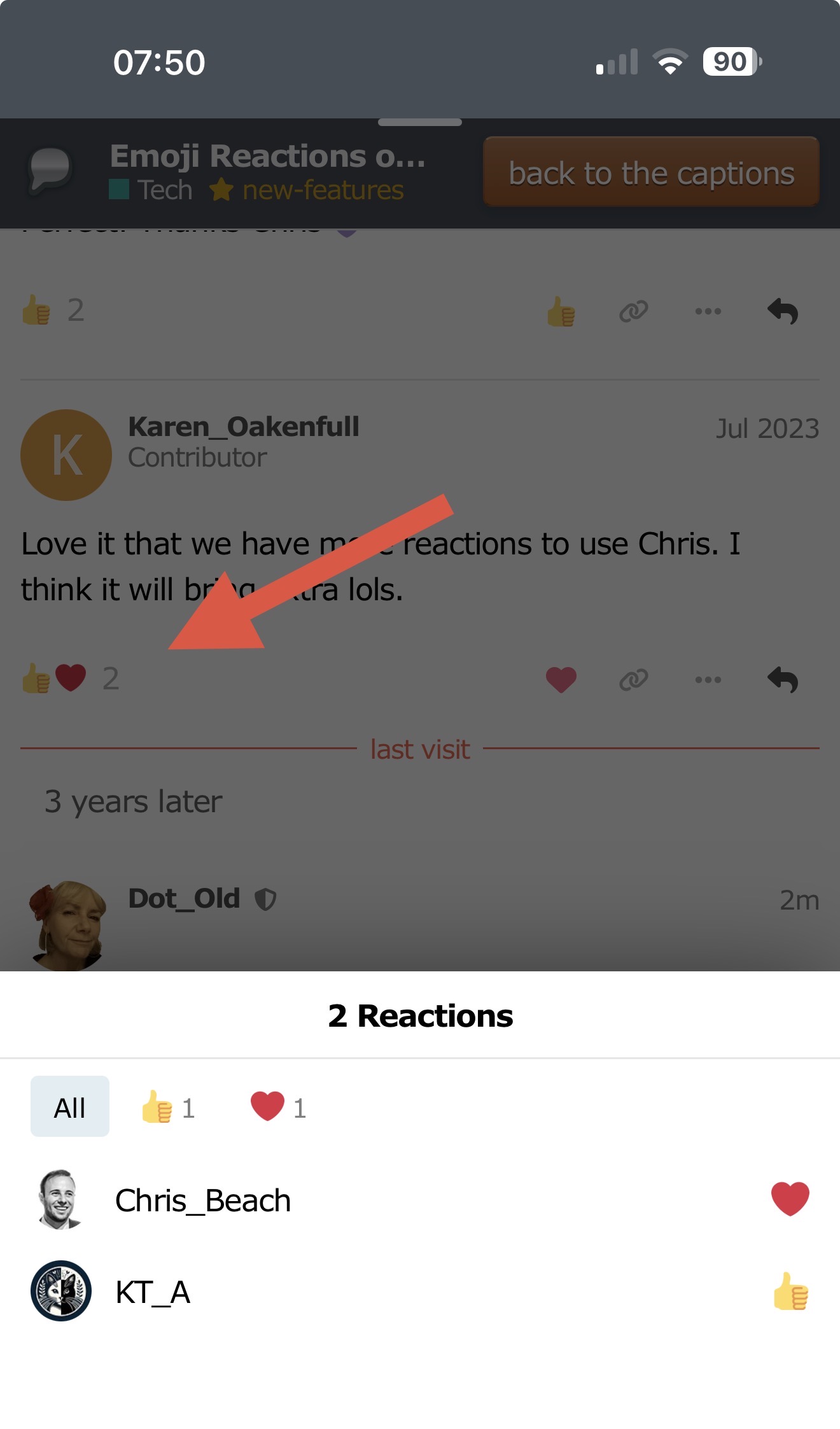
@Chris_Beach Hi Chris. I can’t seem to identify who’s ‘reacted’ anymore. Not that I’m inquisitive or anything 
For me, it works when I click here:
Which device are you using, please? Is it a smartphone or a computer?
This is what I see on my smartphone, by hovering both over the emojis and the number of reactions. I don’t recall them being left justified before. Sorry for any inconvenience. Screenshot taken landscape as not all visible portrait.
And for me in Firefox on my Windows desktop - nothing pops up on hover.
Working fine on Android, Dot. Have you tried what Chris said, clicking on the emojis?
Hover has been gone for a while, Molly. You need to click on the emojis.
Ah, I see it’s not when I click on them, but when I release them!
Yes, thanks James and I really don’t know why I didn’t read Chris’s message properly. All good now and I’m sorry for wasting everyone’s precious time.
No trouble at all. Good to ask, as others may have been wondering too